Free Mac Screen Saver
Korgi Dreams
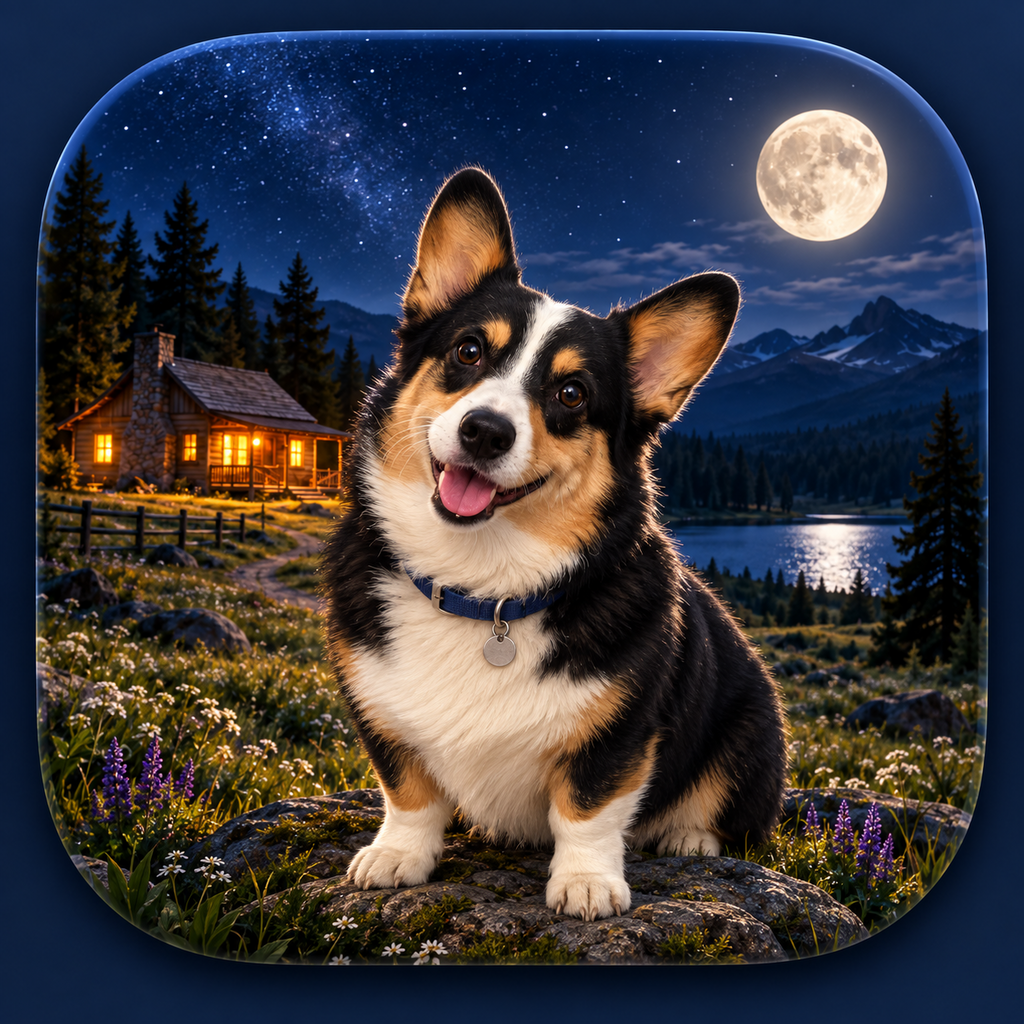
A peaceful moonlit world where Clara and her corgi friends wander across your screen while your Mac rests.
Download Korgi Dreams 1.0Install
- Download and open KorgiDreams-1.0.pkg.
- Follow the installer’s prompts.
- Open System Settings → Screen Saver.
- Select Korgi Dreams and enjoy.
A little corgi calm
Korgi Dreams brings animated corgis, a glowing moon, and a cozy nighttime landscape to your Mac. It is a small gift from Korgi Kode—no account, purchase, or subscription needed.
SHA-256: b64200d2928a2cedc36af01a0cb032c35aa759e32843817860aa812962977037